Unlocking an Android Bootloader: What You Gain, What You Permanently Lose
Somewhere in the settings menu of most Android phones sits an option most owners never touch: OEM unlocking. Flip it on, run one command from a computer, and the phone's bootloader — the low-level software that decides what's allowed to boot before Android even starts — stops verifying that only the manufacturer's signed software can run. It's the gateway to custom ROMs, root access, and a level of control over the device that the manufacturer deliberately locks away by default. It's also a decision with permanent consequences on some phones and none at all on others, and the difference between those two outcomes depends entirely on which brand you own.
What the Bootloader Actually Locks Down
Every modern Android phone implements some version of Android Verified Boot (AVB), a chain-of-trust system where each stage of startup cryptographically checks the signature of the next stage before running it — the bootloader checks the boot partition, the boot partition checks the system image, and so on. If any stage doesn't match the manufacturer's signature, a locked bootloader will refuse to boot it, or at minimum throw a warning. This is a genuinely useful security feature for the average owner: it's the mechanism that stops malware or a thief from flashing a modified operating system onto a stolen phone to bypass a lock screen. Unlocking the bootloader disables that verification chain, which is exactly what makes custom software possible — and exactly what removes a meaningful anti-theft protection.
The unlocking process itself is straightforward on phones that support it: enable Developer Options, toggle OEM unlocking, reboot into the bootloader, and run a fastboot command from a connected computer. That command also triggers a mandatory factory reset, wiping the device — a deliberate design choice so a thief can't unlock a stolen phone and immediately access the previous owner's data. That factory reset requirement is also why OEM unlocking should always be toggled off again after any legitimate ROM-flashing session is finished, restoring the anti-theft protection it temporarily disables.
Not All Manufacturers Treat This the Same Way
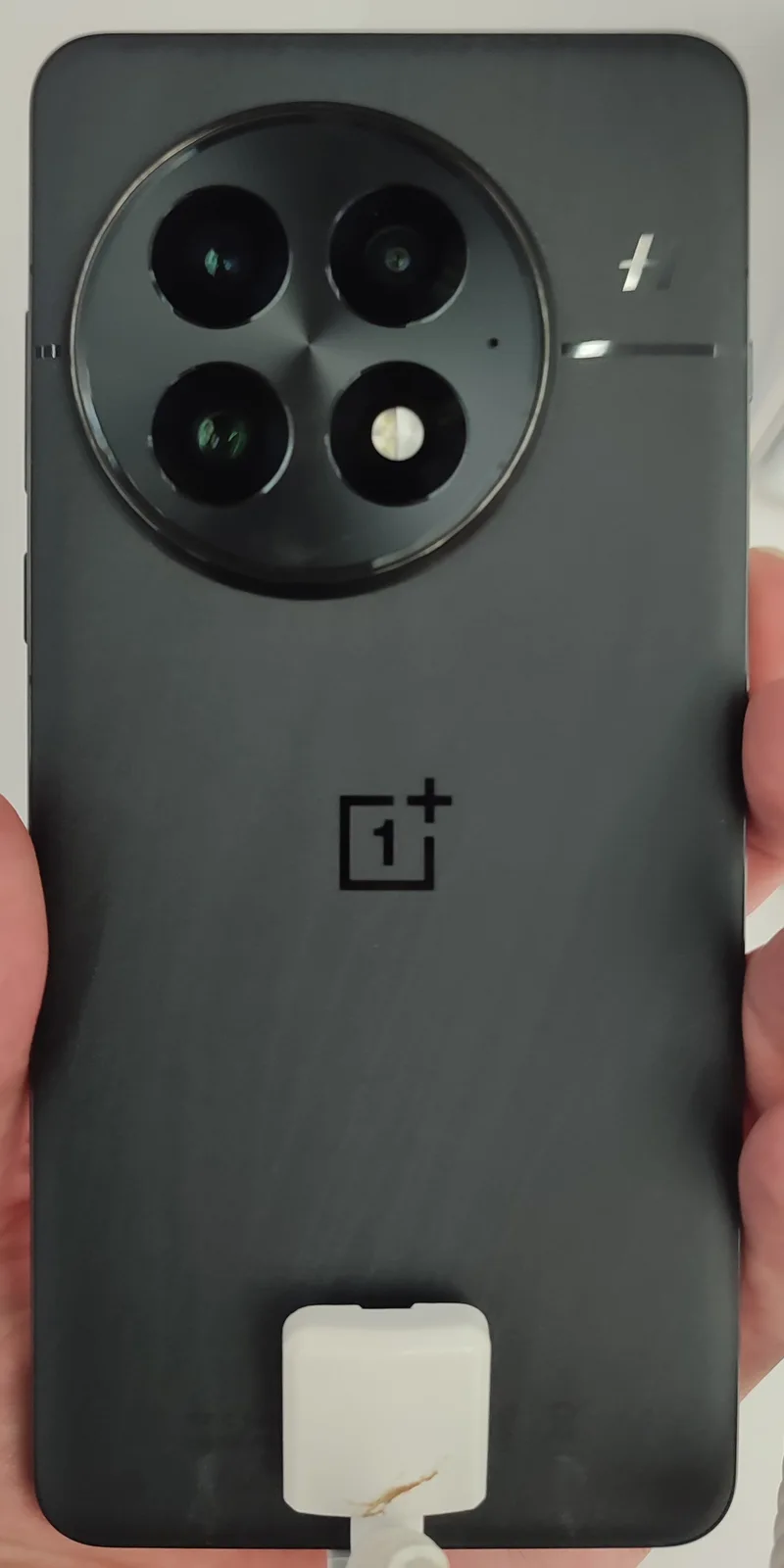
Google's Pixel line is by far the most unlock-friendly major flagship on the market. Unlocking is officially supported, documented by Google itself, reversible by relocking the bootloader afterward, and doesn't trip any permanent hardware flag. OnePlus has historically followed a similar open approach on most of its models. Samsung sits at the opposite end: on Galaxy phones sold through US carriers, bootloader unlocking is typically blocked entirely at the carrier's request, and even on unlocked international or "Galaxy Unlocked" SKUs where Samsung's own developer program permits it, unlocking permanently trips the Knox Warranty Void fuse — a physical, one-time e-fuse burned into the hardware itself. Unlike a software flag, that fuse cannot be reset by relocking the bootloader, reflashing stock firmware, or a factory reset. Once it's blown, Knox-dependent features — Samsung Pay, Secure Folder, and Samsung's DeX security features among them — are disabled permanently, even if you later decide unlocking wasn't worth it and go back to fully stock software.
The Real-World Cost: App Attestation, Not Warranty Fine Print
The warranty question gets attention, but for most people who unlock a bootloader today, the bigger day-to-day friction comes from app attestation, not the manufacturer's repair policy. Google's Play Integrity API — which replaced the older SafetyNet system that Google fully deprecated in the mid-2020s — lets apps check whether a device's software stack is trustworthy before deciding what to allow. It reports tiered results: basic integrity, device integrity, and the strictest, strong integrity, which requires hardware-backed attestation. An unlocked bootloader typically fails device integrity checks even if the phone is otherwise running completely stock software with nothing modified — the bootloader state alone is enough to fail the check. In practice, that means banking apps may refuse to launch or restrict functionality, streaming apps like Netflix may cap playback at a lower resolution because they can no longer confirm hardware DRM protection is intact, and some mobile games with anti-cheat systems will refuse to run at all.
This is a meaningfully different cost than it was a decade ago, when rooting mainly risked voiding a warranty and little else. Today, the practical tradeoff is closer to: gain deep customization and control, lose reliable access to some of the apps people depend on most, at least without workarounds — and workarounds themselves have gotten harder as attestation checks have grown more sophisticated.
Why People Still Do It
Despite the friction, a durable community still unlocks bootloaders and flashes custom ROMs, largely for two reasons that mainstream Android doesn't fully address: extending a phone's usable life well past its manufacturer's official software-update cutoff, and privacy-hardened alternatives to stock Android. LineageOS, the long-running community successor to the discontinued CyanogenMod project, remains the most widely used general-purpose custom ROM, focused on keeping older hardware current with newer Android versions after official support ends — relevant reading alongside how official software support timelines actually compare between platforms. GrapheneOS takes a narrower, security-first approach, built specifically for Google's own Pixel hardware and designed to reduce Google's data collection while hardening the OS against exploitation, at the cost of losing default access to Google Play Services unless the user chooses to sandbox it back in.
Why iPhones Don't Have an Equivalent Toggle
Apple never built an official OEM-unlocking option because its approach to device modification is structured entirely differently. There's no supported bootloader unlock — instead, the iOS equivalent is jailbreaking, which relies on discovering and exploiting unpatched security vulnerabilities in iOS itself rather than flipping a manufacturer-sanctioned switch. That distinction matters: an Android bootloader unlock is a documented, intended pathway (however discouraged) that Google and OnePlus explicitly support, while an iPhone jailbreak depends on security researchers finding an exploitable flaw that Apple hasn't patched yet, and it typically stops working the moment Apple ships a software update closing that hole. Jailbreaking has consequently become rarer and less reliable release over release, as Apple's Secure Enclave and stricter code-signing enforcement close off more of the avenues that older jailbreak tools relied on. It's a useful contrast for understanding why Android's bootloader unlocking ecosystem, for all its warranty and attestation costs, is fundamentally more stable and reproducible than trying to jailbreak an iPhone.
What to Actually Weigh Before Doing It
The decision comes down to which phone you own more than anything else. On a Pixel 10 Pro, unlocking is reversible, well-documented, and doesn't touch hardware — the main risk is losing Play Integrity's top attestation tier for as long as it stays unlocked. On a Samsung device like a Galaxy S25 Ultra, it's worth treating the decision as permanent and Knox-feature-ending, not reversible with a factory reset. And for anyone considering a phone bought secondhand, it's worth checking bootloader and Knox status before buying — the same way a careful buyer checks IMEI blacklist status — since a previously unlocked or rooted phone may already have lost permanent features you'd otherwise expect to have.