Dual-SIM and Dual-eSIM Phones: A Practical Guide for Work and Personal Use
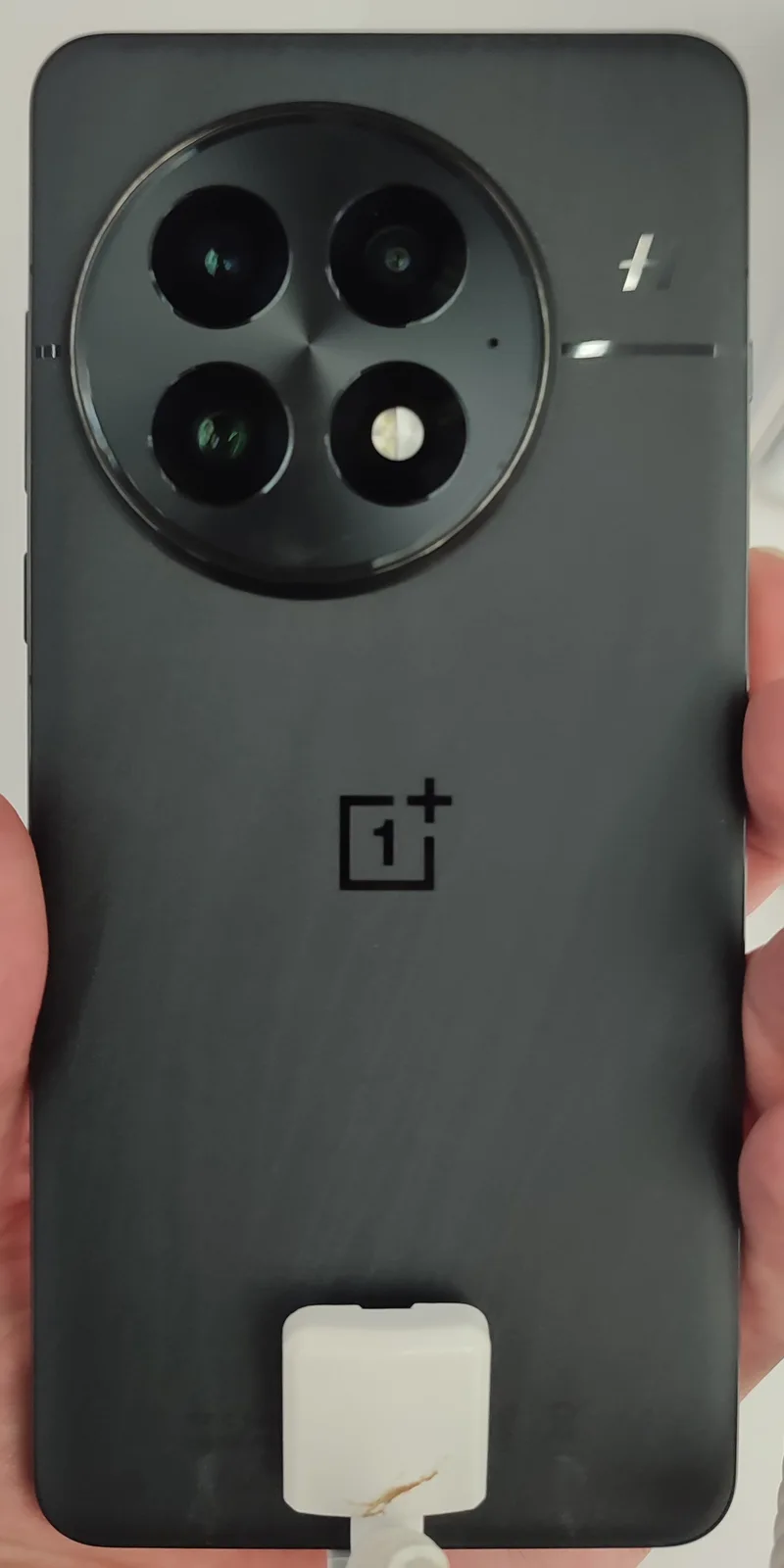
Carrying two phones — one for work, one personal — used to be the only reliable way to keep numbers separate without mixing contacts, notifications, and call history. Modern dual-SIM phones, especially now that eSIM has matured, make running two active lines on a single device a genuinely practical option instead of a compromise. Here's how it actually works, where it breaks down, and how to set it up well.
Physical Dual-SIM vs Dual-eSIM vs Hybrid Slots
There are three distinct configurations sold as "dual-SIM," and they aren't interchangeable. A true physical dual-SIM phone has two separate nano-SIM trays and can run two physical SIM cards simultaneously — common outside the US on phones from Samsung, Xiaomi, and OnePlus. A hybrid dual-SIM slot looks similar but the second SIM tray doubles as a microSD card slot, meaning you choose between a second line and expandable storage, not both. And an increasing number of flagships — most US-market iPhones since the iPhone 14, and a growing list of Android flagships — have dropped the physical SIM tray in some regions entirely in favor of dual eSIM, where both lines are digital profiles stored on the device rather than physical cards. Our eSIM-only phones piece covers the broader shift away from physical SIM trays in more detail.
Which configuration you get depends heavily on region and carrier variant — the same phone model sold in the US may lack the physical second SIM tray that the same model sold in Europe or Asia includes, so check the specific regional spec sheet rather than assuming based on the global marketing page.
Can Both Lines Be Active at the Same Time?
This is the detail that trips people up. Most dual-SIM phones support Dual SIM Dual Standby (DSDS), where both lines can receive calls and texts, but only one radio connection is fully active at once — if you're on a call or a data session on line A, line B may briefly go to voicemail or show as temporarily unreachable rather than ringing through. A smaller number of phones support Dual SIM Dual Active (DSDA), which uses genuinely separate radio chains so both lines can be on active calls or data sessions simultaneously, at some cost to battery efficiency and modem complexity. For most work/personal splits, DSDS is perfectly adequate — the brief unreachable window is a minor edge case, not a daily annoyance — but if you regularly need to be reachable on both lines during long calls, it's worth checking which standard a specific phone actually implements before buying, since manufacturers don't always advertise this distinction clearly.
Setting Up a Clean Work/Personal Split
The mechanics matter less than the setup discipline. A few practices make a real difference:
- Assign each line to a specific default use in your phone's dual-SIM settings — one for calls, one for data, or split by contact/app — rather than leaving both ambiguous, which is the most common source of "wrong number called out" mistakes.
- Use separate messaging identities where the app supports it. iMessage and most business communication tools can bind to a specific line, avoiding personal texts showing up in a work thread.
- Keep contacts merged into one address book but tag work contacts distinctly, rather than maintaining two separate contact lists — most people find a single searchable contact list easier to manage day to day than a fully partitioned one.
- Check your employer's mobile device policy before adding a work eSIM to a personal phone. Some corporate IT policies require mobile device management (MDM) enrollment for any device carrying a company number, which can affect what the IT department can see or remotely wipe.
Battery and Network Trade-offs
Running two active lines is not free. Keeping two radio connections registered with two different networks draws more power than a single active SIM, particularly on DSDA phones or in areas with weak signal where the modem works harder to maintain both connections. If you don't need both lines active at all times, most phones let you toggle one line to standby-only or fully off from the notification shade or SIM settings, which meaningfully helps all-day battery life — worth doing on a low-battery day rather than leaving both fully active out of habit. For phones already known for shorter battery life, this trade-off is worth weighing against a model with better baseline endurance; our battery life guide is a useful cross-reference if dual-SIM use is a big part of your daily routine.
The International Travel Case
Beyond work/personal splits, dual-SIM (especially dual eSIM) has become the easiest way to travel internationally without losing your home number. Keep your home carrier's line active for calls and texts, and add a local prepaid eSIM data plan for the destination country — most eSIM travel providers activate instantly via QR code with no physical shop visit required. This avoids the old trade-off of either paying steep roaming fees or being unreachable on your normal number for the length of the trip. It's a genuinely practical use case that's grown a lot faster than "two SIMs for a formal work/personal split," and it's one of the more underrated reasons eSIM-capable phones have become worth prioritizing when shopping for a new flagship.
What About eSIM Transfer if You Switch Phones?
One practical wrinkle with eSIM lines specifically: transferring an eSIM profile to a new phone isn't always as simple as popping out a physical SIM card and moving it. Some carriers support in-app eSIM transfer between two phones you own, others require contacting support or re-scanning a new activation QR code, and a few older eSIM implementations tie the profile to the original device in ways that require a fresh activation entirely. If you're planning to upgrade phones and rely on a work or travel eSIM line, it's worth checking your specific carrier's transfer process in advance rather than discovering the friction on upgrade day. This is a smaller inconvenience than losing a physical SIM card, but it's different enough from the old process that it catches people off guard the first time.
Bottom Line
Dual-SIM and dual-eSIM setups have gone from a niche feature to a genuinely useful tool for separating work and personal life, or for traveling without losing your main number. The features to actually check before buying are whether the phone supports DSDS or DSDA, whether the second slot is a true second SIM or a hybrid microSD/SIM combo, and whether your region's variant even includes a physical second slot at all — the answers vary more between regional models than most spec sheets make obvious.